Race the real world, in your browser.
Drive real streets in San Francisco, Adelaide, Monaco, Tokyo and more, built from open map data. Tune your car in the garage, take on quests and street races, and meet friends in free roam. Nothing to install.
The game is in a closed beta: signing up needs an invite code. You can drive as a guest without one. For players aged 13 and over.
What you can do
Real places
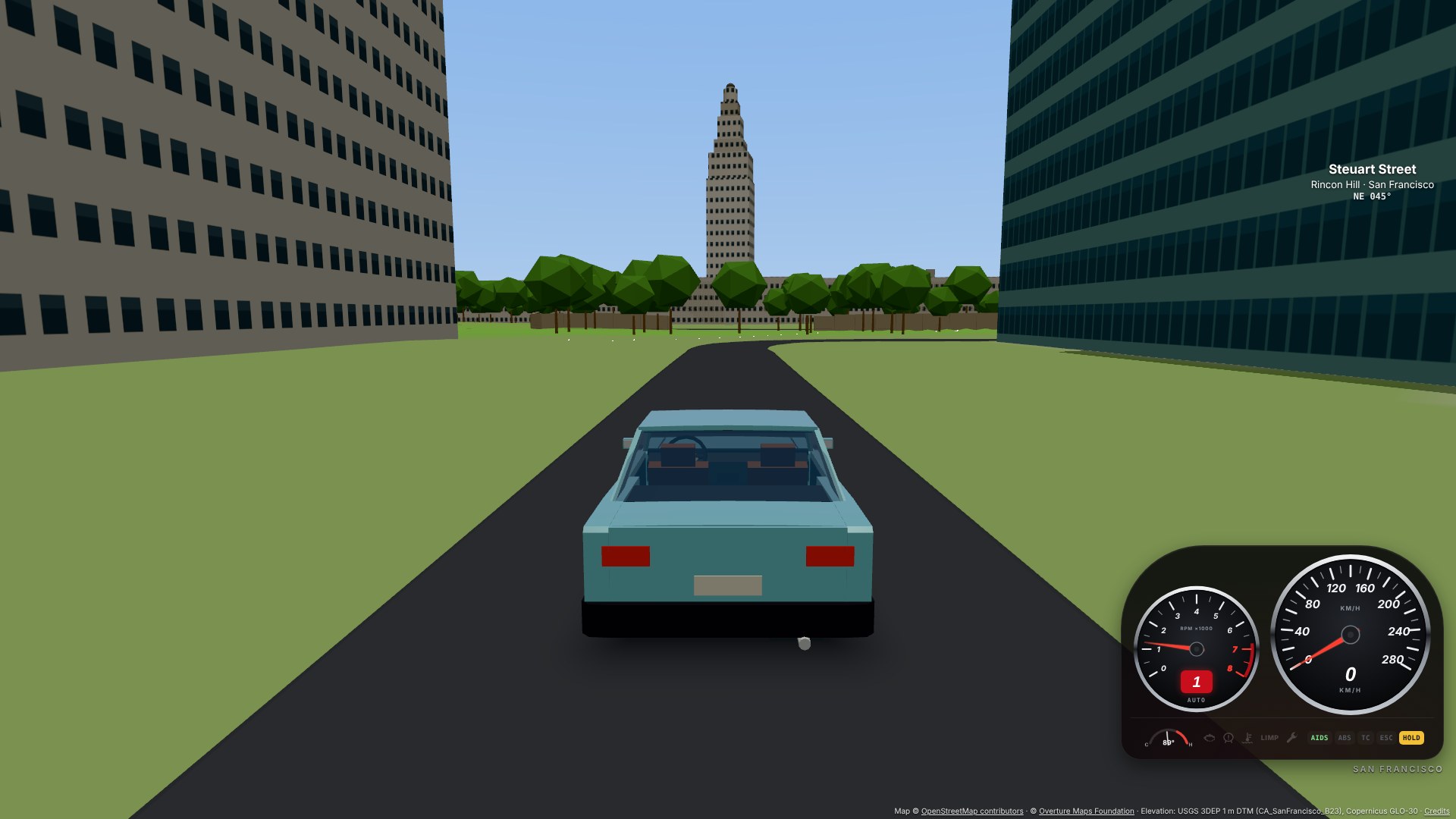
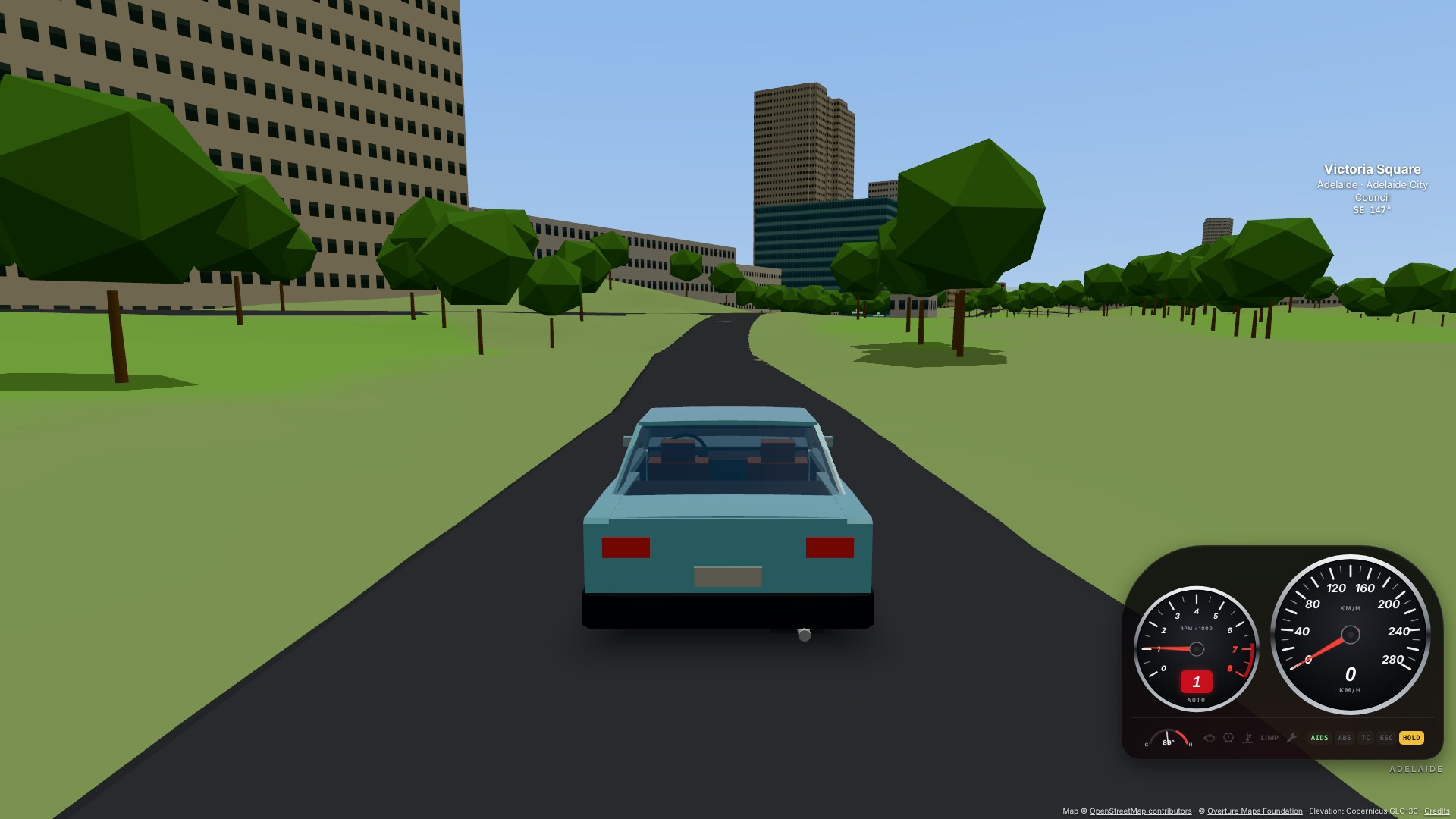
Seven regions so far: San Francisco, Adelaide, Monaco, Tokyo (Shibuya), the Stelvio Pass, Munich and Milton Keynes. Their roads, buildings and hills come from OpenStreetMap and open elevation data.
Cars that feel real
Grip, weight transfer, brakes that fade and tyres that squeal. Crashes dent the body and break parts, and you fix them in the garage.
Your garage
Buy parts and fit them, tune the setup, paint the car and test it on the dyno. Every car is the game's own design.
Quests and races
Time trials, sprints and street races against rivals on real roads, generated tracks with codes you can share, and races against your friends online.
Learn as you go
A short guided drive when you start, then a driving school: seven lessons on braking, cornering, trail braking and car control, each with bronze, silver and gold medals.
Photo mode
Stop the world, fly the camera, set the focus, the light and the time of day, and save the picture or share a link to the place.
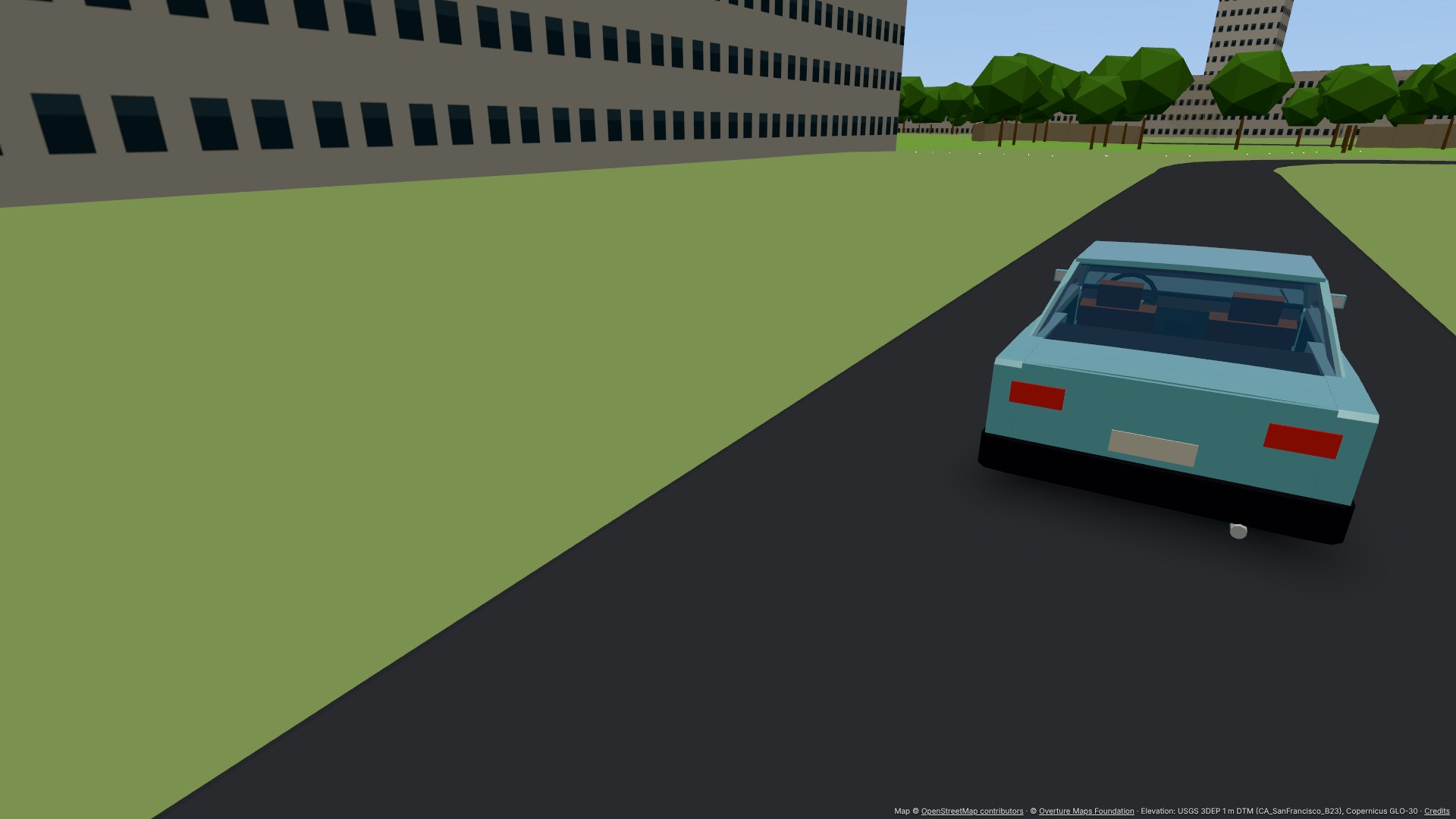
A look at it
Made to be played by everyone
- Change every control, and choose hold or toggle for each. It works with a keyboard, a gamepad, a steering wheel or the touch screen.
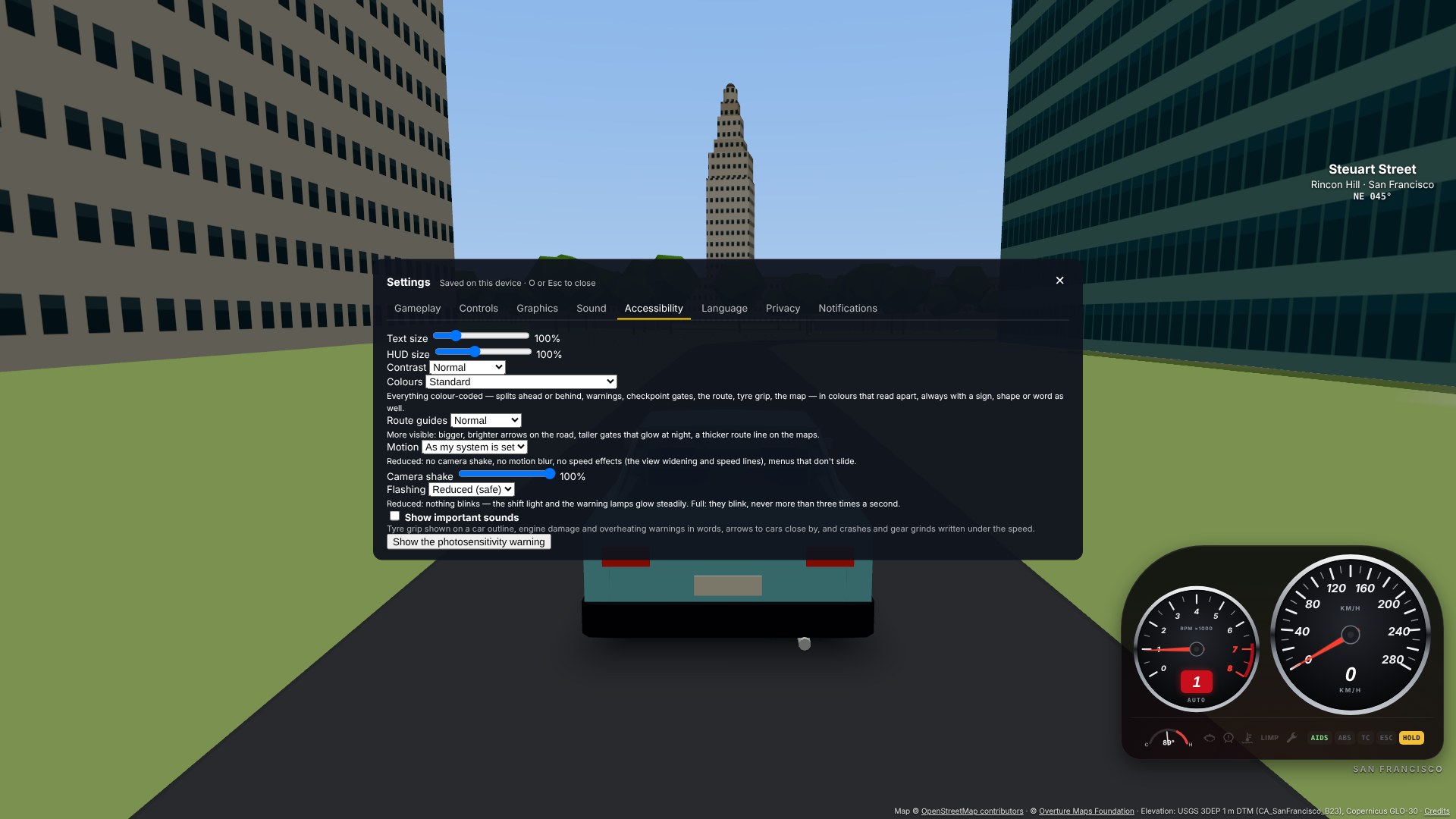
- Bigger text, high contrast, colours for each kind of colour blindness, and reduced motion and flashing.
- The important sounds can also be shown on screen: tyre grip, the engine, crashes and cars coming up behind you.
- Menus work with a keyboard and a screen reader.
- Driving aids (ABS, traction and stability control, steering help) that the game suggests as you learn, and you can turn off.
What it needs
A recent Chrome, Edge, Firefox or Safari on a computer, or a recent phone or tablet. The game picks graphics settings to suit your device, and you can change them. It's free, with no adverts and nothing to buy. Rated 13+.